Step 1:
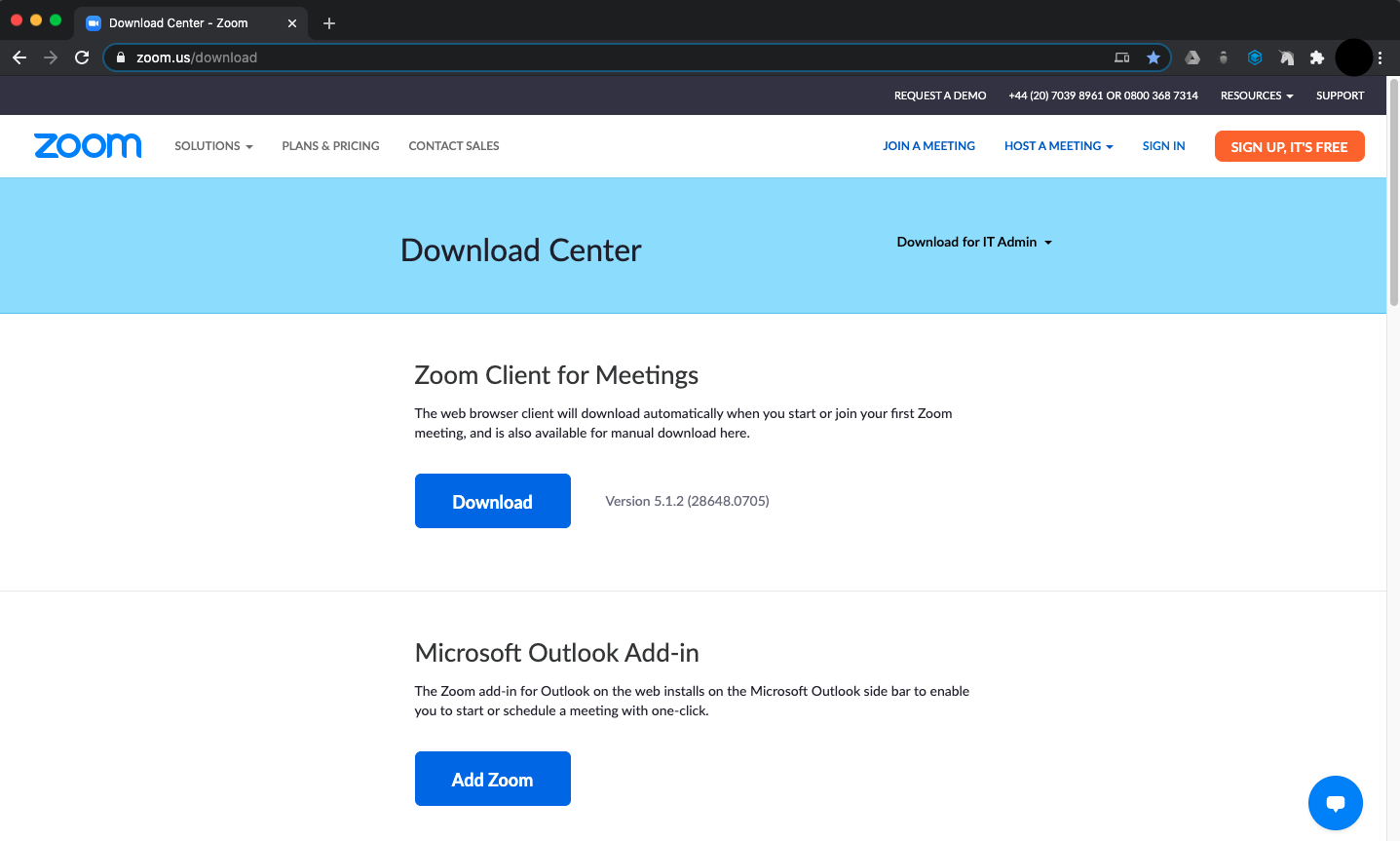
Open your internet browser and search for zoom.us/download.
You can also click on the website address above to open the page.
Step 2:
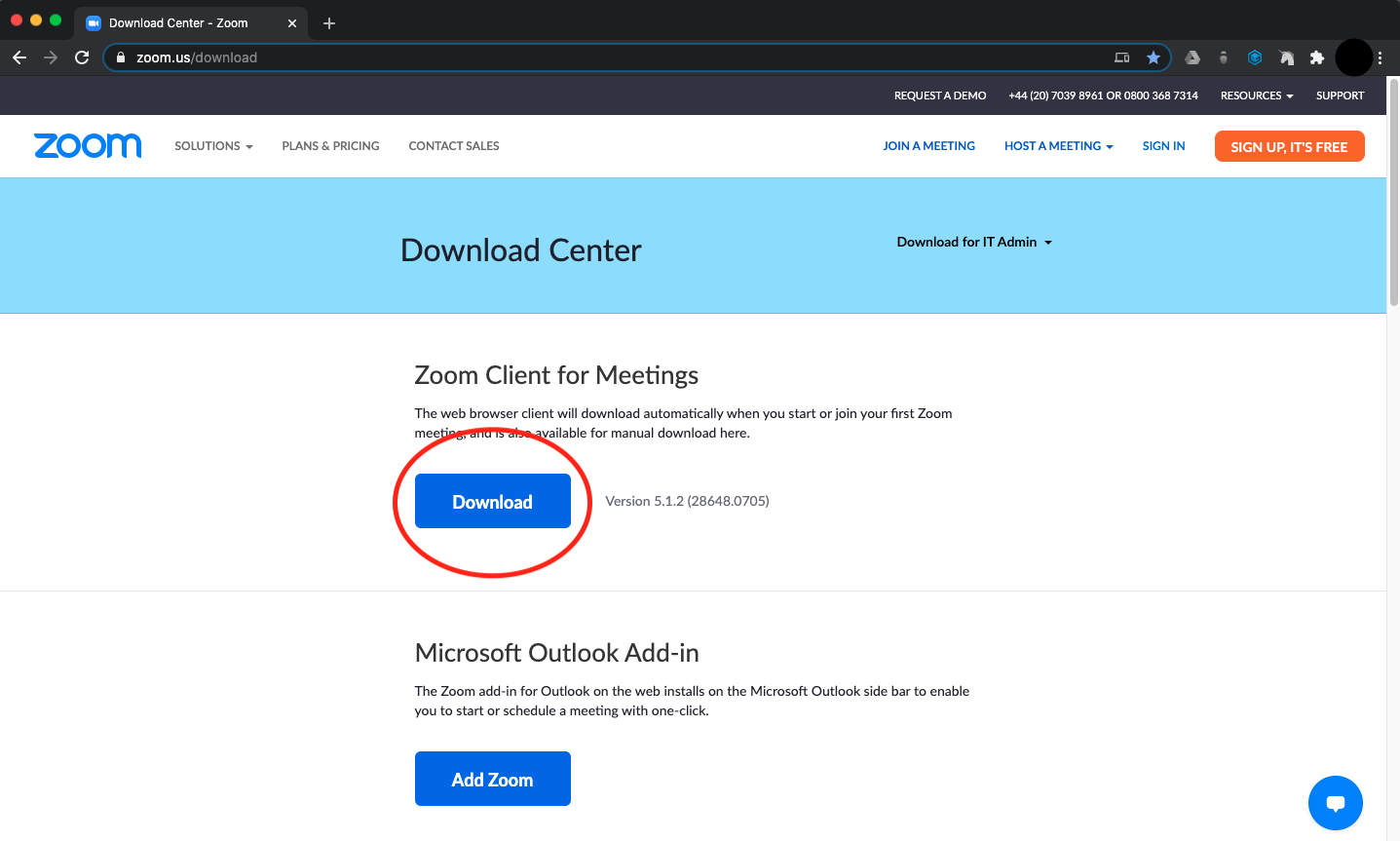
Under “Zoom Client for Meetings” click the “Download” button. This will start downloading the software to your computer.
iPhone or iPad
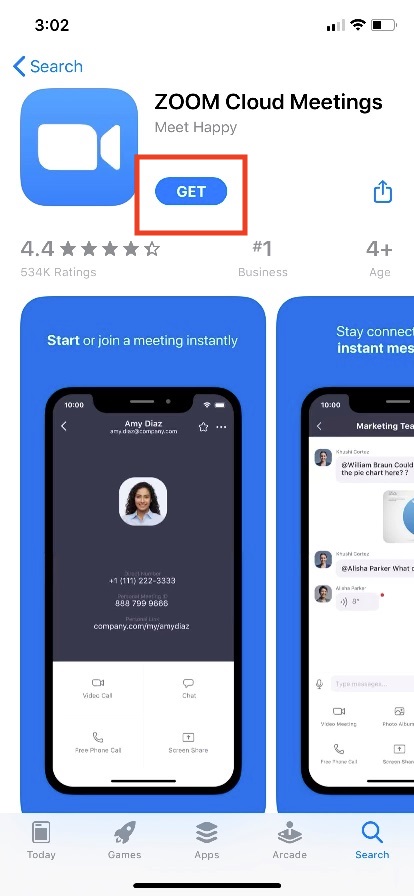
To download Zoom on your iPhone or iPad, open the App Store and search for "ZOOM Cloud Meetings".
Android
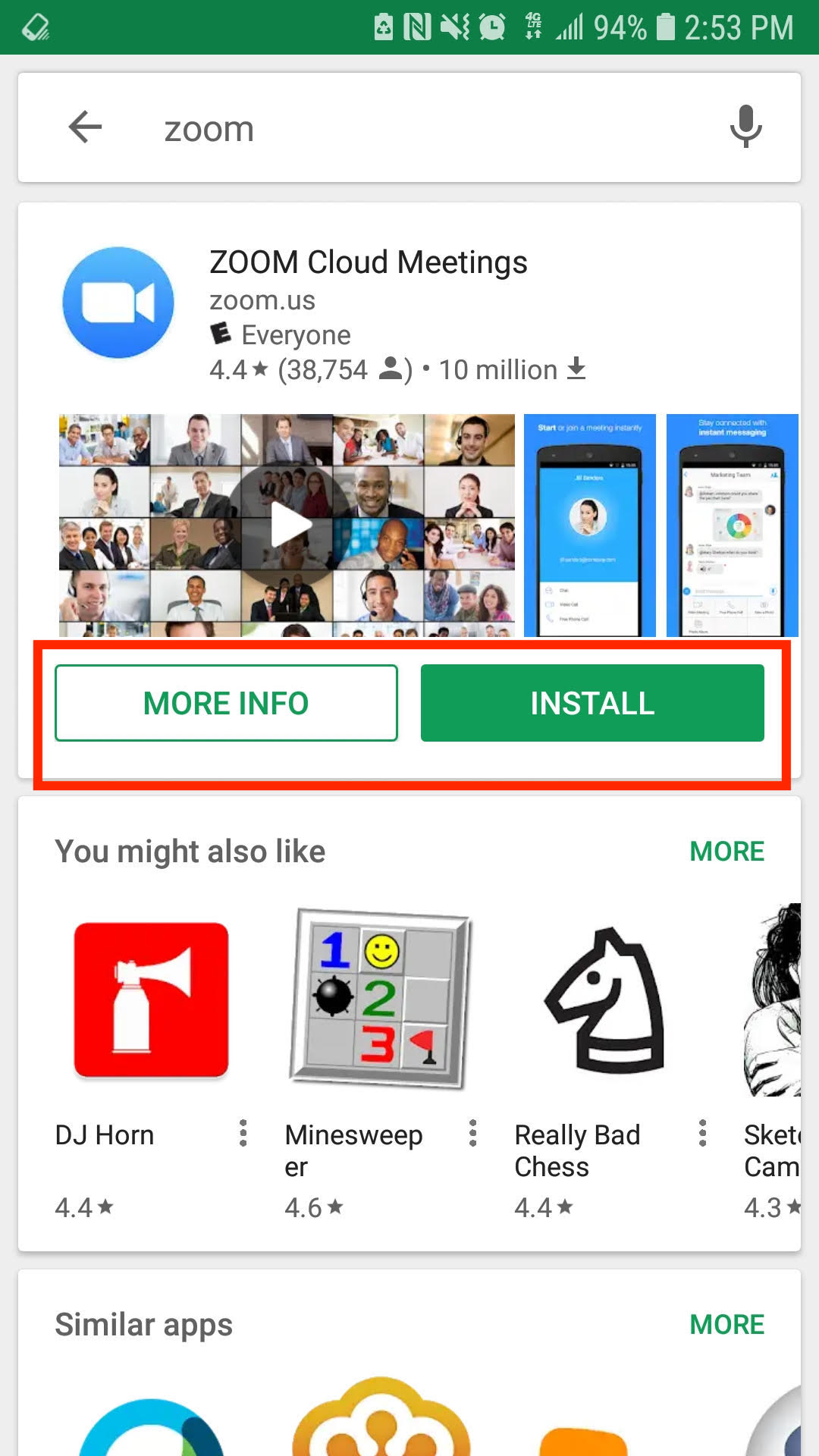
To download Zoom on your phone or tablet, open the Google Play Store and search for "ZOOM Cloud Meetings".